Creating an Account
Welcome to JobRoutr! This guide will walk you through the process of creating your account.
Prerequisites
Before you begin, make sure you have:
- A valid email address
- Access to your email for verification
Steps to Create Your Account
1. Navigate to the Sign Up Page
Visit JobRoutr.com and click on the Sign Up button.
2. Fill in Your Information
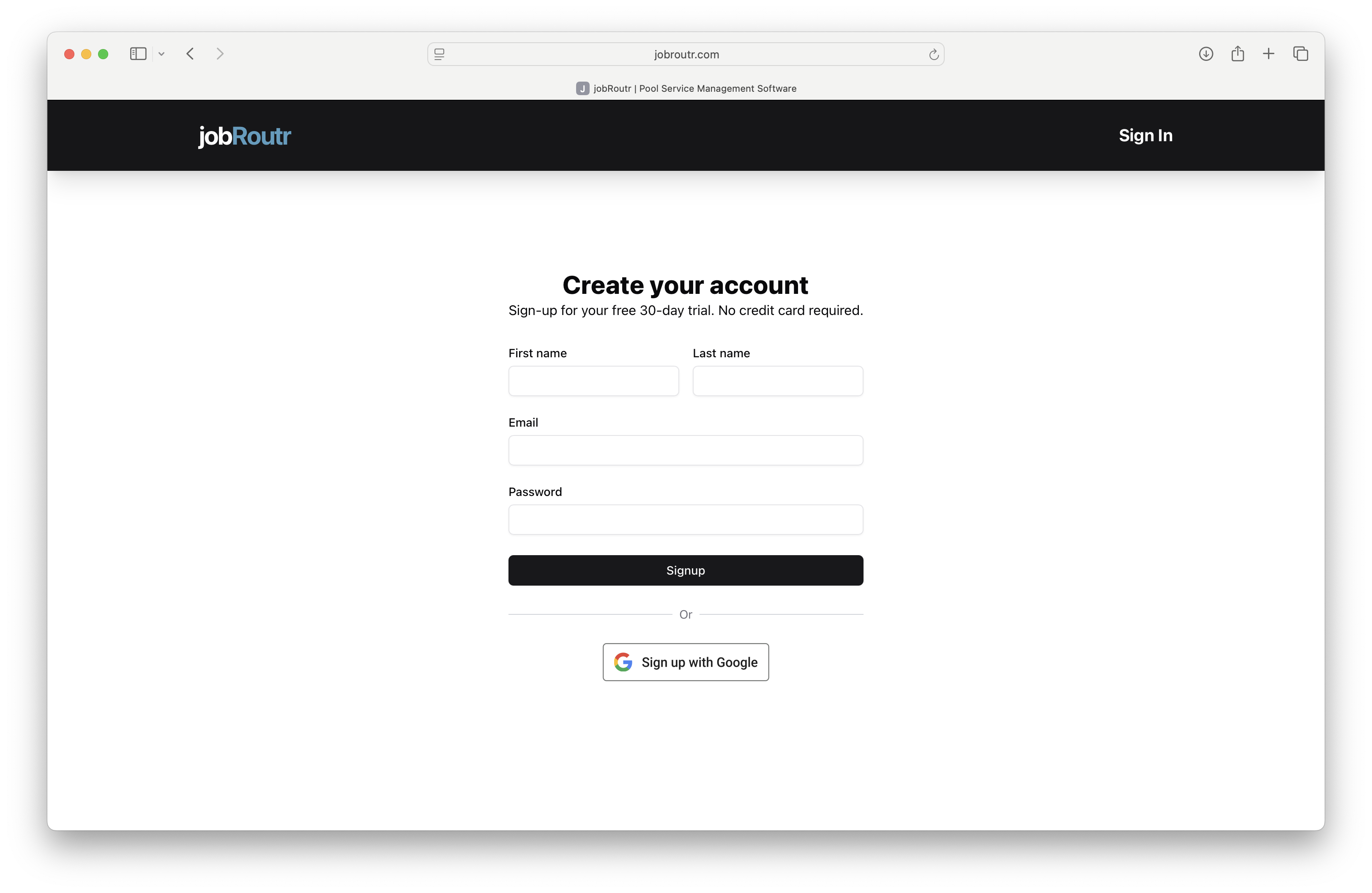
Enter the following information:
- Full Name: Your first and last name
- Email Address: Your work or personal email
- Password: Create a strong password (minimum 8 characters)
3. Verify Your Email
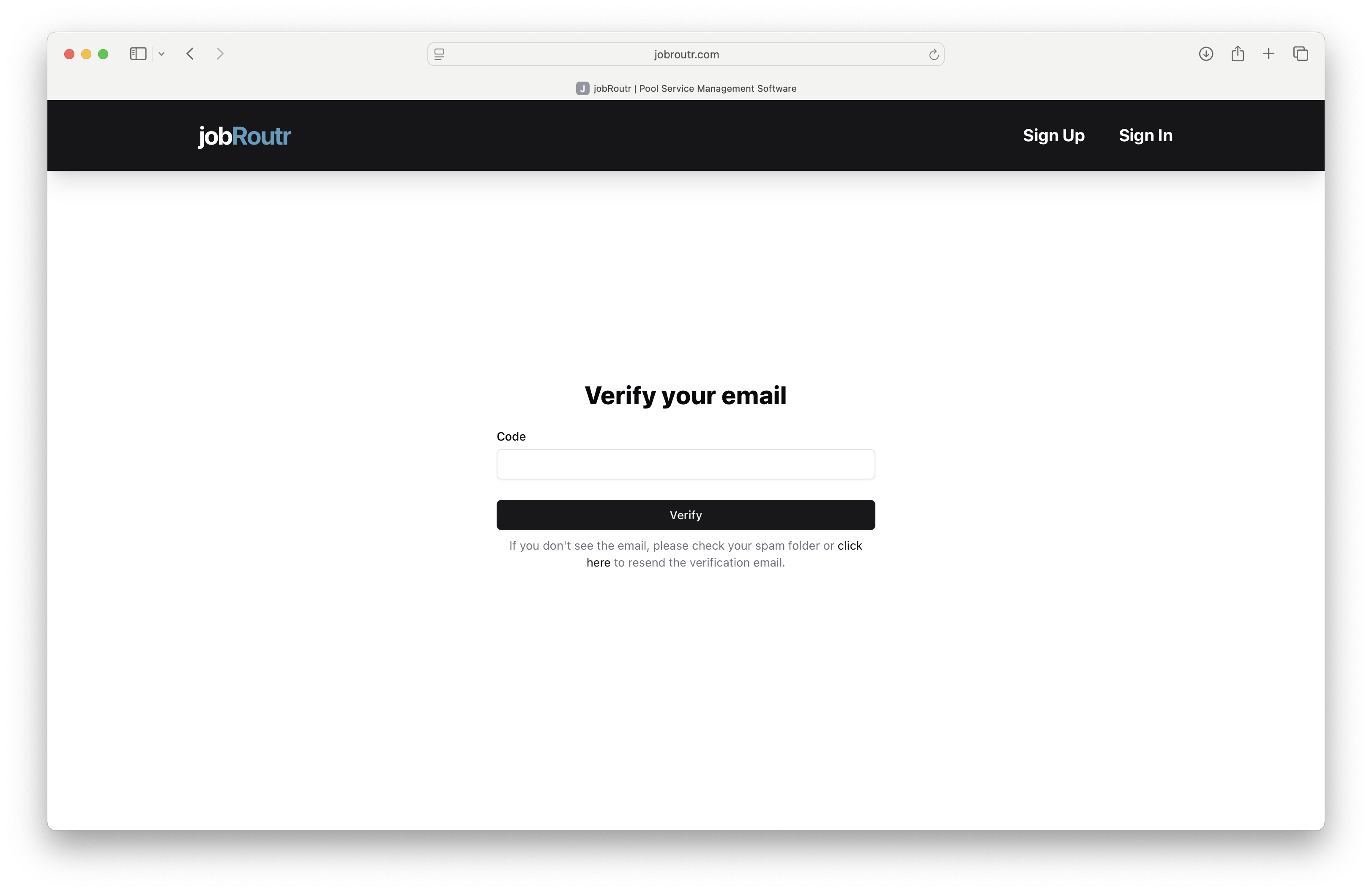
After submitting the form, you'll receive a verification email. Copy the 6 digit code and paste into the code text box on the Verify your email page.
4. Complete Your Profile
Once verified, log in to your new account and complete the onboarding process:
- Create Organization
- Connect QuickBooks
- Build Services
- Configure Email
- Invite Team
Troubleshooting
Didn't Receive Verification Email?
- Check your spam or junk folder
- Verify you entered the correct email address
- Request a new verification email from the login page
Password Requirements Not Met?
Your password must:
- Be at least 8 characters long
- Include at least one uppercase letter
- Include at least one number
- Include at least one special character
Next Steps
After creating your account, you can:
Need Help?
If you encounter any issues during account creation, please contact our support team at support@jobroutr.com.